
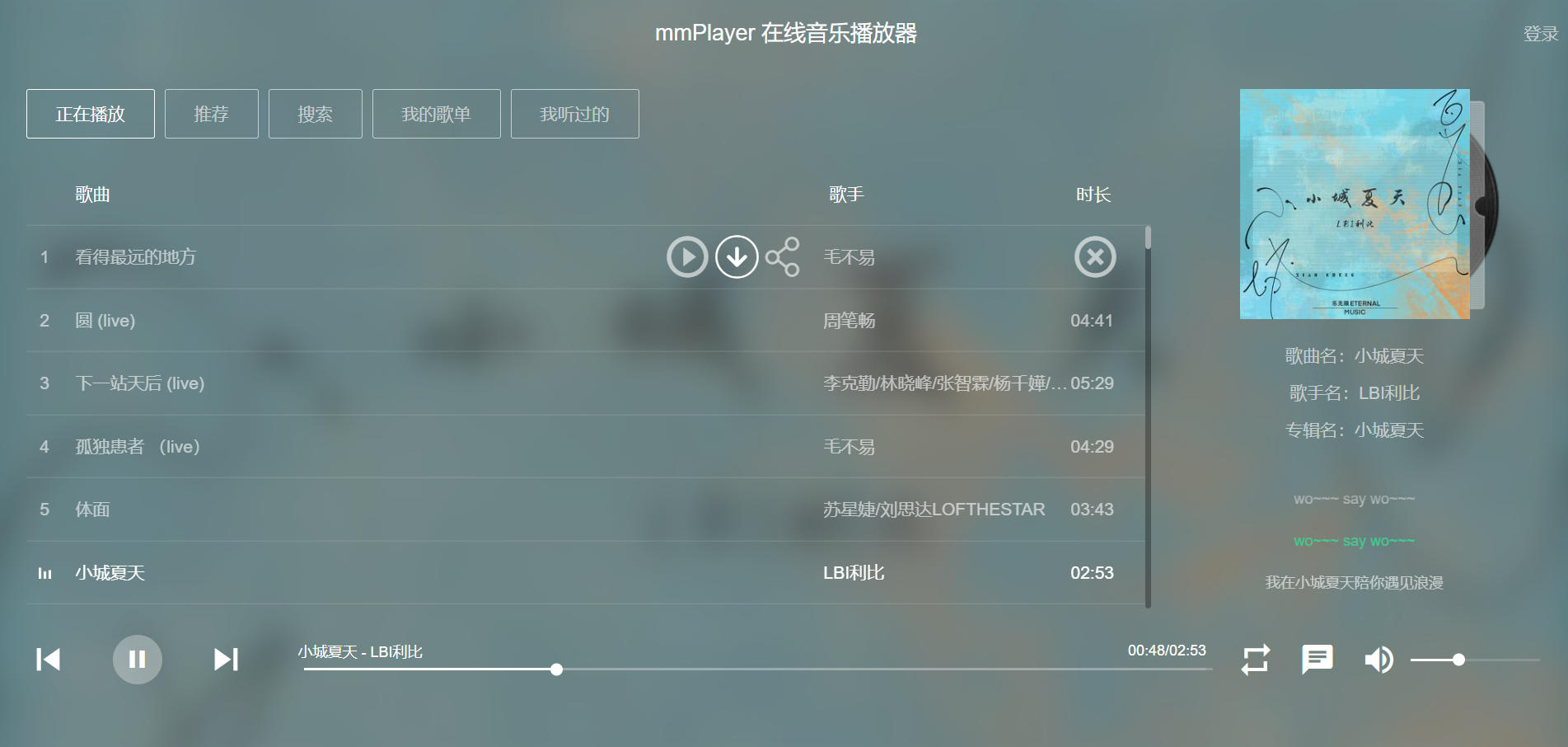
背景※
跑在我NAS docker里面的MusicPlayer发现没法获取到歌曲了,之前使用的是oldiy大佬的镜像oldiy/music-player-docker是一款开源的基于网易云音乐api的在线音乐播放器。具有音乐搜索、播放、下载、歌词同步显示、个人音乐播放列表同步等功能。 前端界面参照QQ音乐网页版进行布局,同时采用了流行的响应式设计,无论是在PC端还是在手机端,均能给您带来原生app般的使用体验。 然而不知道是后端api的原因还是什么情况搜索不到歌曲
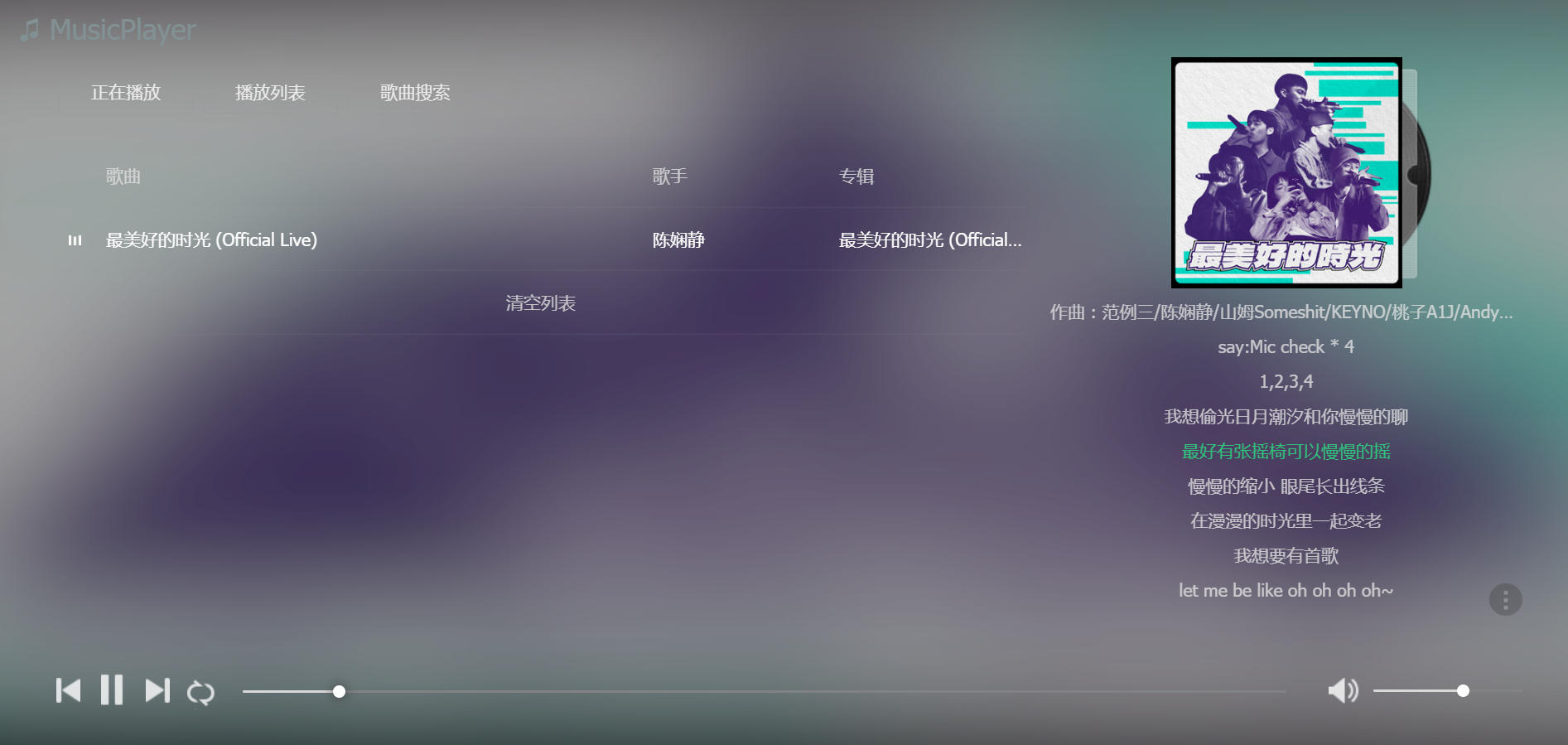
寻找替代方案※
没法听音乐了怎么能行,找找替代方案吧,于是我就想到了github开源软件的天堂搜搜,找到了Vue-mmPlayer 这个项目,哇我,跟MusicPlayer的界面相似啊,这款基于 Vue 的在线音乐播放器需要配合后端api网易云音乐 NodeJS 版 API才能正常工作。
动手※
看了下开源项目没有提供这俩构建好的docker镜像,自己动手丰衣足食,说干就干,撮合他俩到一个镜像里吧。
编写Dockerfile※
FROM node:lts-alpine as mmPlayer_builder

# Maintainer
LABEL maintainer="Crazyrico Open Source Software <crazyrico@qq.com>"

# install dependencies and build tools
RUN apk update && apk add --no-cache wget curl git zip

WORKDIR /app

RUN git clone --recurse-submodules https://github.com/CrazyRico/Vue-mmPlayer.git

RUN cd Vue-mmPlayer \
    && echo 'VUE_APP_BASE_API_URL = /api' > .env \
    && npm install  \
    && npm run build \
        && zip -r dist.zip dist


FROM node:lts-alpine

RUN apk update && apk add --no-cache bash wget curl git nginx unzip

WORKDIR /app

COPY --from=mmPlayer_builder /app/Vue-mmPlayer/dist.zip ./
RUN unzip dist.zip && rm -rf dist.zip

ADD default.conf /etc/nginx/http.d/

RUN cd /app && git clone https://github.com/Binaryify/NeteaseCloudMusicApi.git

RUN cd NeteaseCloudMusicApi \
    && npm config set registry "https://registry.npmmirror.com/" \
    && npm install -g npm husky \
    && npm install --production

WORKDIR /app/NeteaseCloudMusicApi

ADD docker-entrypoint.sh ./

RUN chmod +x /app/NeteaseCloudMusicApi/*.sh

EXPOSE 80 443 3000

ENTRYPOINT ["./docker-entrypoint.sh"]
编写docker-entrypoint.sh※
#!/bin/bash

echo -e "===================1. 启动nginx===========================\n"
nginx -s reload 2>/dev/null || nginx -c /etc/nginx/nginx.conf
echo -e "nginx启动成功...\n"

echo -e "===================2. 启动NeteaseCloudMusicApi ===========\n"
node app.js &
echo -e "app.js启动成功...\n"


echo -e "############################################################\n"
echo -e "容器启动成功..."
echo -e "\n请先访问80端口,..."
echo -e "############################################################\n"

crond -f >/dev/null

exec "$@"
编写default.conf※
server {
        listen 80 default_server;
        listen [::]:80 default_server;

        root /app/dist;

        location /api/ {
           proxy_set_header Host $http_host;
           proxy_set_header X-Real-IP $remote_addr;
           proxy_set_header X-Forwarded-For $proxy_add_x_forwarded_for;
           proxy_pass http://localhost:3000/;
        }

        # You may need this to prevent return 404 recursion.
        location = /404.html {
                internal;
        }
}
构建※
# docker build -t yaonew/mmplayer .
run※
镜像构建完成,又可以愉快的听音乐了
# docker run --name mmPlayer --restart always -dit -p 80:80 yaonew/mmplayer打开浏览器访问: http://ip perfect!!!
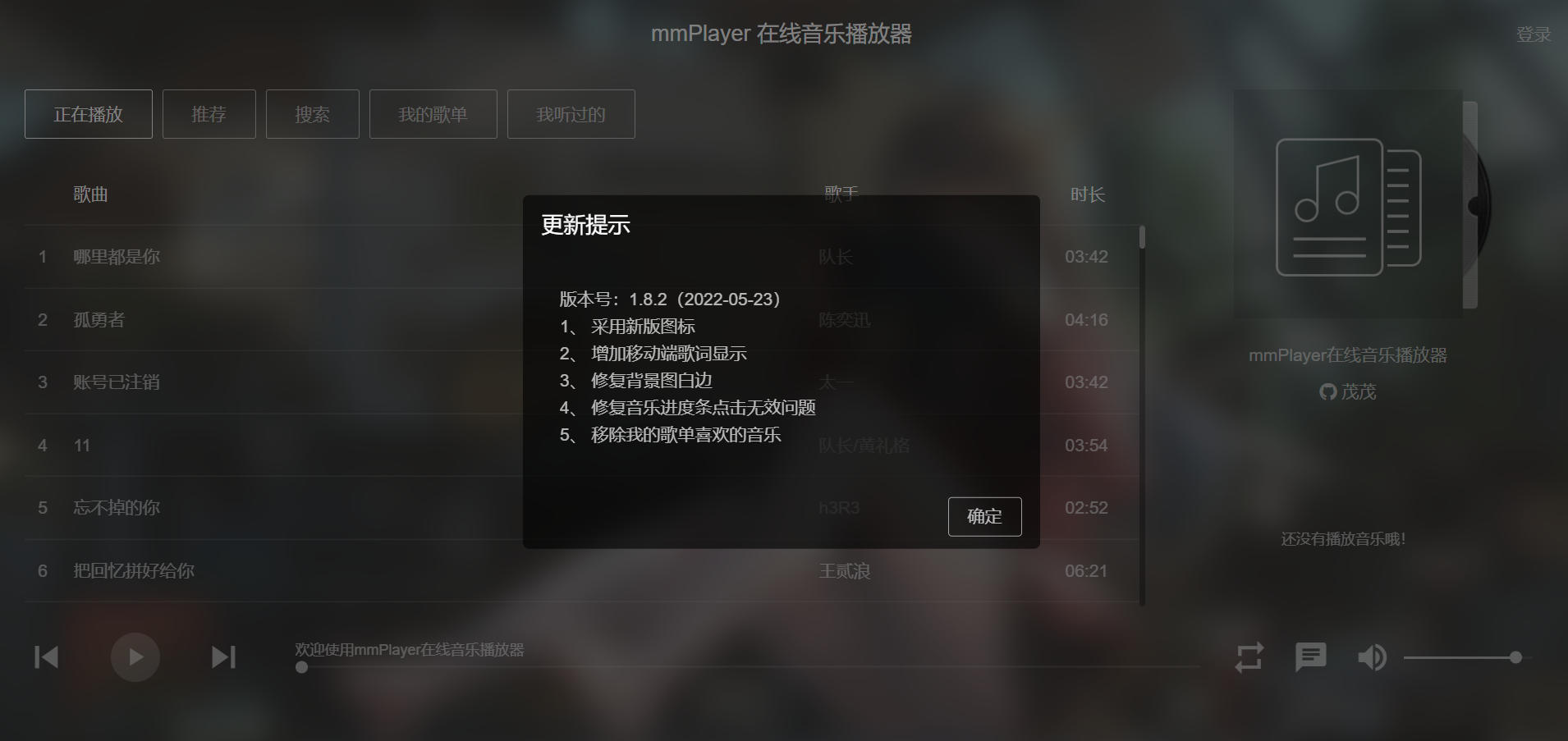
完整的构建代码已提交到github music-player-docker-build